


Blog Posts
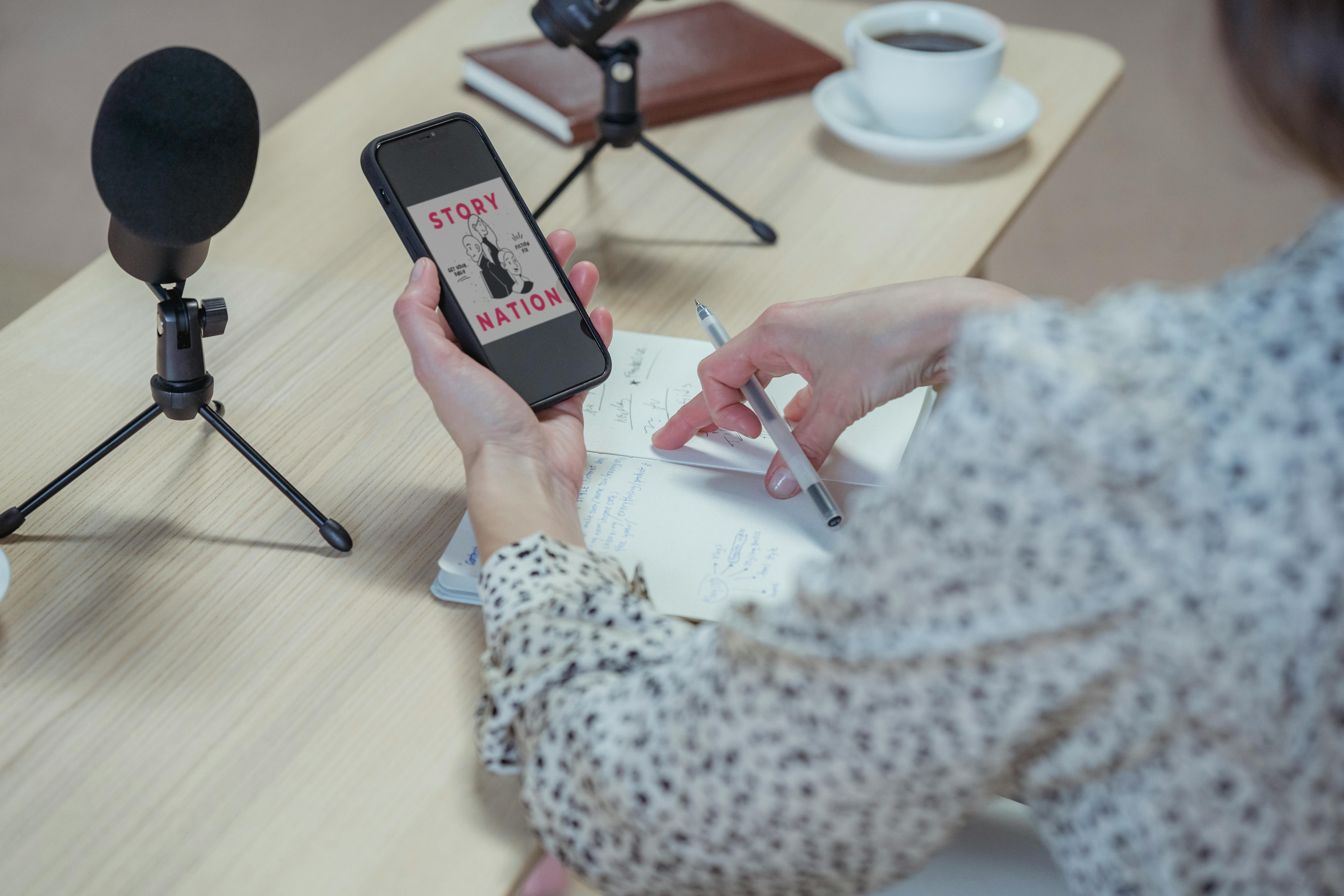
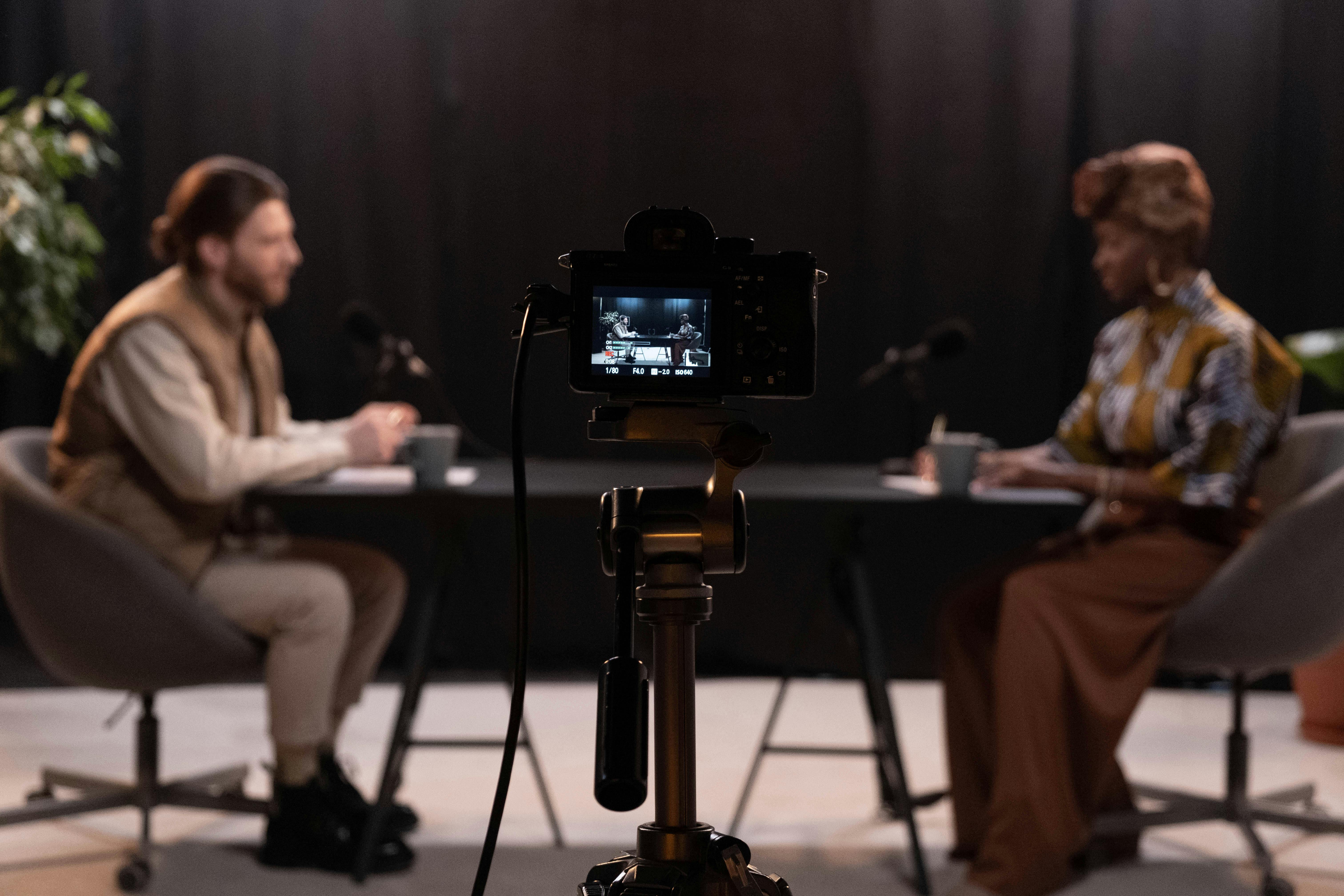
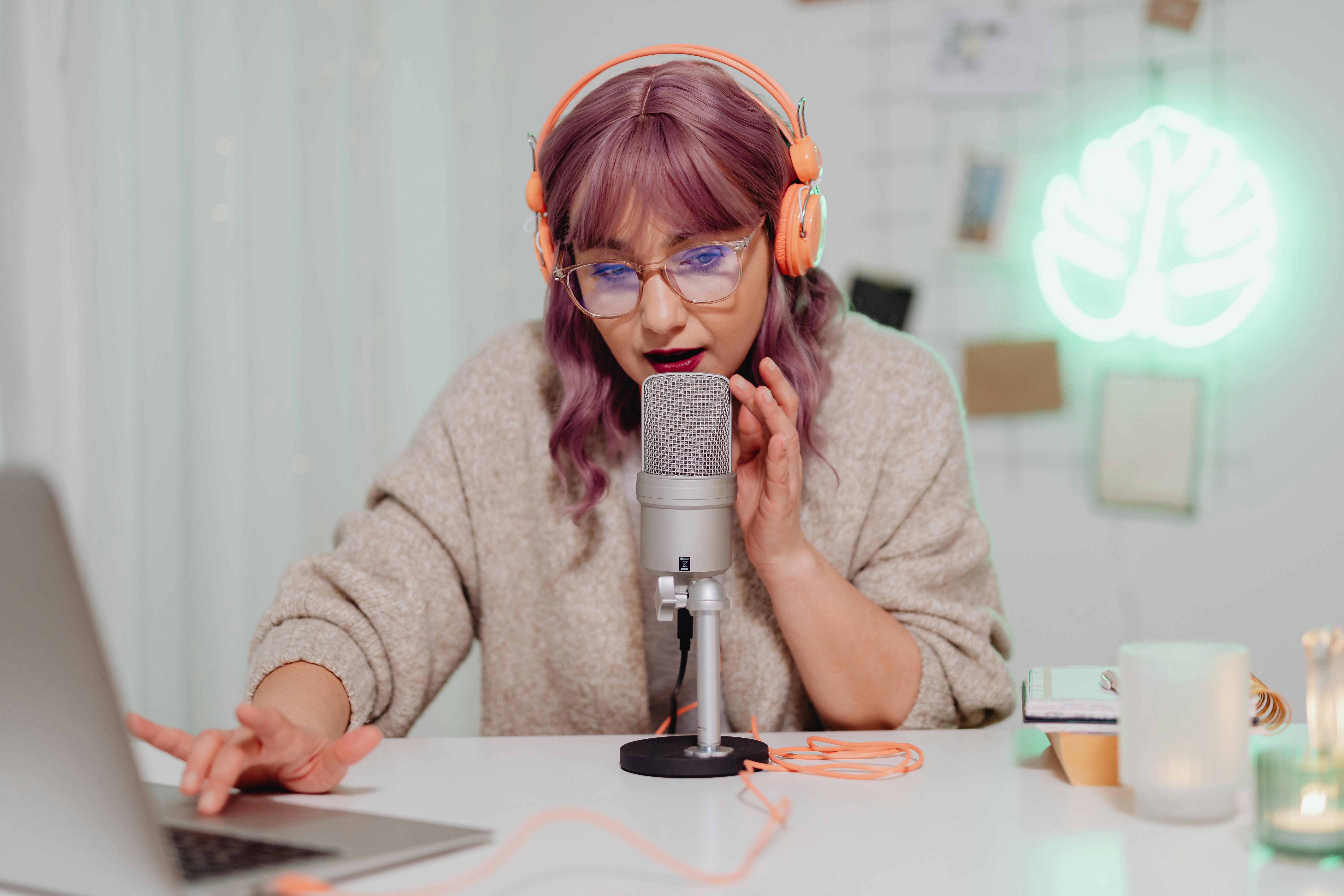
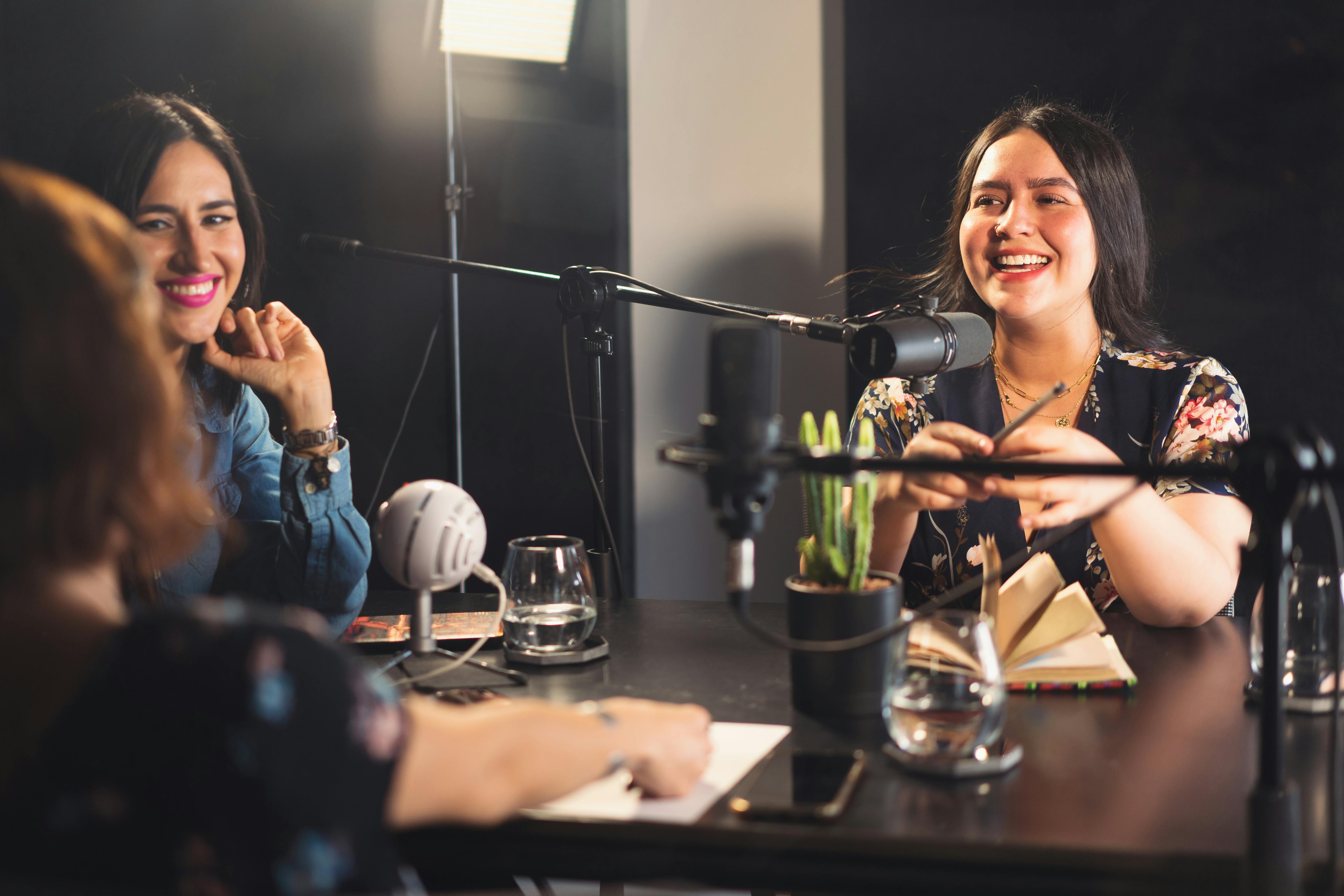
Fast, practical insights on outbound and GTM — how to refine outreach, scale content, and position your brand as a market leader. Short reads designed to accelerate B2B growth

























































Load More
Rated "Excellent"
Why B2B companies wanting to grow love working with ThePod.fm
Why busy business owners and executives love working with us
"It's made a massive, massive difference to our business! Before we were working with these guys, we were trying paid advertisement, we were trying organic content, we were trying cold outreach, we were trying everything, and nothing seemed to be working. And we started to lose a lot of faith in ourselves. Our calendars are filled with calls.
that that is completely, completely true. Just in a matter of weeks, we have had multiple, multiple calls and managed to convert multiple of them across to actual sales opportunities. I just wish I started sooner."

Christos Gabriel
Founder @ GMS

The team at ThePod.fm made it so easy to help grow my personal and professional brand through the podcast. The whole process was so smooth and easy.
I absolutely recommend partnering with this team to add podcasting to your brand strategy.

Blair Bloomston
Founder & CEO | LeadersUplifted
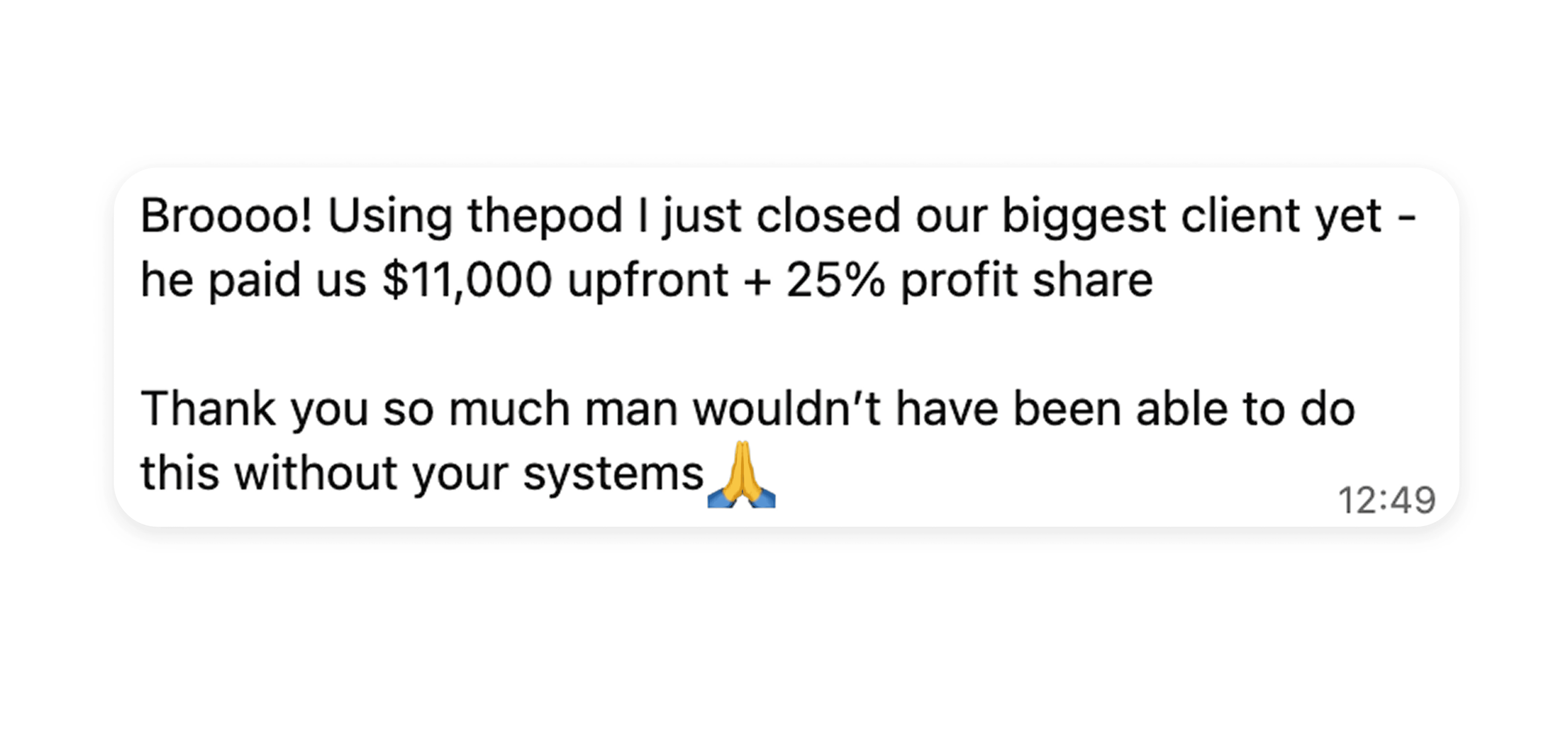
Closed a 5 figure deal in two weeks from 1 guest! Thankyou so much!

Harris Neocleous
Agency owner
The initial check-in call, the podcast prep support, then the actual podcast conversation, were all handled professionally, and with personalized care. I loved my conversation with ThePod.fm, they have a way of creating structure for the dialogue, while allowing for such great flow. It was a real pleasure to be on ThePod.fm, and I'd love to continue the conversation anytime! Positively, Trev

Trevor Stevenson
Co-Founder | ConsciousLead
Excellent conversation - the crew did a fantastic job preparing for our conversation and it was a well organized process.

Kelli Schutrop
CEO & Founder | Thoughtful Resound
I recently had the opportunity to join ThePod.fm to discuss scaling AI for startups, and in short, it was a great experience I'd welcome doing again. The team made the entire process clear and simple with an outline and questions beforehand, which really helped prepare for the conversation. During the recording, they were engaging with insightful questions that made for an enjoyable conversation. I highly recommend ThePod.fm for their professionalism and the atmosphere they create.

Craig Nelson
Owner | GrowthIQ.ai + (2 exits)
I haven't seen anything produce this efficient of a connection my ideal client profile before...

David Kent
CEO @ Lead Smarter
I felt so comfortable in the conversational style podcast. It made it feel like we were friends catching up on what we were seeing and experiencing in our journeys. His questions were thoughtful and provide clarity to kick off my comments. The preparation for the podcast was simple and straightforward. He provided some questions to think about so that the interview and information shared flowed easily. I would highly recommend ThePod.fm for anyone wanting to join a podcast. I would also recommend Aqil and ThePod.fm to anyone looking to start their own podcast.

Sondra Calhoun
Founder & CEO | Strada Consulting
"Aqil and ThePod completely transformed our approach to outbound strategy.
I’ve been running marketing campaigns since 2011 and have tried many approaches, but what Aqil shared—using podcasts to engage our target audience—was a game-changer.
Within 28 days, we had 150 people from our ICP say yes to jump on a call, build relationships, and join the podcast. This strategy bypasses sales resistance, builds thought leadership, and generates meaningful meetings.
If you're considering working with Aqil or ThePod, I highly recommend it. It could transform your lead generation and demand generation activities.

Harold Roine
CEO & Founder @ BuroVentures
"10 out of 10 experience.
Everything from, you know, the setting, how it was all set up initially, the delivery of social assets, the delivery of the actual podcast, editing, the whole experience was just second to none.
A ton of social sharing assets. The reach on the podcast was phenomenal. And the leads that I got off the back of it, and how we were able to repurpose that was just worth every penny.
So if you're on the fence, I cannot recommend at least booking a call, learning a little bit more about the service as a whole and just doing it because for me, it was extremely, extremely beneficial.
Sam Crawford
Founder @ by Crawford
Supportive, organized and gets results! Working with Aqil and the Pod.Fm team has completely changed our outreach strategy! From the beginning, I felt as though they had a clear understanding of our business and our ideal client. We have been supported the entire way through including remembering important milestones (like a first podcast call) and offering support right at that time. I could not recommend them enough!!

Kendra Johnson
I just had a consultation call with him and it was absolutely brilliant. I mean, the value he gave and how he put it all together in a very concise and easy to understand manner. And not only that, he gave the theory behind stuff, but he also gave actionable steps. So if you're thinking about hopping on a call with him, regardless of whatever he's offering, I would 100% urge you to do that. The value he gives in the short amount of time I was on the call with him. And in the way he describes everything, it's just unbelievable. Definitely highly recommend Aqil and Astra and everything he's working on. He's a fantastic guy, fantastic business, and you definitely won't regret hop on a call with him for sure.
Arjan Dhamija
Business Owner
Just got the assets from my podcast episode - It turned out great! Thanks so much for hosting me, it was a great experience! Looking forward to sharing this on my socials!

Taylor Miller-Goulait
Founder | Monarch Coaching
From start to finish, the entire process was superbly smooth and professional. ThePod.fm team provided clear guidance with documents and a simple process, that ensured I was well-prepared. The host, was incredibly warm and genuinely a pleasure to interact with. They asked insightful questions that made for an engaging and enjoyable conversation. The entire experience was seamless and fun. I would highly recommend ThePod.fm to anyone looking to share their story as a podcast guest. They deliver a top-notch service and truly make the experience enjoyable and rewarding.

Alina Addiso
Founder | ADAPTAA
“We found 25 potential opportunities there which we can add to the pipeline, which is really, really good. Added around $200,000 in pipeline!
The connections that you make doing this type of lead gen strategy is much more authentic and much deeper connection than you'll typically have doing a cold call…"

Jeff Brown
Owner @ PAVE
Working with Aqil and ThePod.fm has been incredible. They seamlessly combined various outreach strategies which makes my life so much easier, delivering everything on time and keeping us updated every step of the way.
What I thought would take months was completed in weeks, thanks to their impressive systems, creativity, and personalized approach. They’ve saved us a ton of time while making a big project feel approachable and exciting.
If you’re looking to connect with your ideal clients and grow a podcast, I couldn’t recommend ThePod.fm more highly.
Kendra Johnson
Founder @ The Venned Group
100% I would do it again!
These guys are top tier. The amount of content and quality of content we got afterwards was 10/10, fuelling a good 6 months of short form videos for LinkedIn and other social posts.
Thoroughly recommended.

Reece Lyons
Launch Director
after consulting on GTM marketing: "it's mental how many people just don't understand that, And are spamming their same old sales message.

Oliver Hodgson
Owner | DashboardDaddy
When I was first shown how the service works, I was deeply impressed.
They were very transparent about how things would work, even when I pried and asked deeper questions about the process, infrastructure, costs, etc. That level of transparency made a big difference for me, but what I ended up being sold on was the competence that came with it.
The service is high touch and very complex, but designed to be simple for the user (me), so I can maximize my time and the value I get from the service.
That was several months ago. Since then, I have been able to benefit from the continuous improvements and upgrades that have been made, and there is no sign of this slowing down.
After I was able to wrap my head around what my responsibilities were, it simply became a matter of showing up and following a process.
Kinda like having a physical trainer waiting for you at the gym so all you have to do is follow the steps.
If it weren't for this service, chances are I would never have taken the leap to start my own podcast. Now, it feels like a no brainer to invest my own time and energy since everything else is taken care of.

David Kent
CEO @ Lead Smarter
Aqil is doing some amazing work! Being a guest on his podcast was seamless and a blast to do. He has podcasting down to an art form, from making sure you are prepared prior to the interview, to giving you the step by step process, to asking insightful questions that lead to a really solid interview! Would highly recommend him and his team!

Drew Roberts
Owner | DBImpact
"It's made a massive, massive difference to our business! Before we were working with these guys, we were trying paid advertisement, we were trying organic content, we were trying cold outreach, we were trying everything, and nothing seemed to be working. And we started to lose a lot of faith in ourselves. Our calendars are filled with calls.
that that is completely, completely true. Just in a matter of weeks, we have had multiple, multiple calls and managed to convert multiple of them across to actual sales opportunities. I just wish I started sooner."
Christos Gabriel
Founder @ GMS
The team at ThePod.fm made it so easy to help grow my personal and professional brand through the podcast. The whole process was so smooth and easy.
I absolutely recommend partnering with this team to add podcasting to your brand strategy.
Blair Bloomston
Founder & CEO | LeadersUplifted
Closed a 5 figure deal in two weeks from 1 guest! Thankyou so much!
Harris Neocleous
Agency owner
The initial check-in call, the podcast prep support, then the actual podcast conversation, were all handled professionally, and with personalized care. I loved my conversation with ThePod.fm, they have a way of creating structure for the dialogue, while allowing for such great flow. It was a real pleasure to be on ThePod.fm, and I'd love to continue the conversation anytime! Positively, Trev
Trevor Stevenson
Co-Founder | ConsciousLead
Excellent conversation - the crew did a fantastic job preparing for our conversation and it was a well organized process.
Kelli Schutrop
CEO & Founder | Thoughtful Resound
I recently had the opportunity to join ThePod.fm to discuss scaling AI for startups, and in short, it was a great experience I'd welcome doing again. The team made the entire process clear and simple with an outline and questions beforehand, which really helped prepare for the conversation. During the recording, they were engaging with insightful questions that made for an enjoyable conversation. I highly recommend ThePod.fm for their professionalism and the atmosphere they create.
Craig Nelson
Owner | GrowthIQ.ai + (2 exits)
I haven't seen anything produce this efficient of a connection my ideal client profile before...
David Kent
CEO @ Lead Smarter
I felt so comfortable in the conversational style podcast. It made it feel like we were friends catching up on what we were seeing and experiencing in our journeys. His questions were thoughtful and provide clarity to kick off my comments. The preparation for the podcast was simple and straightforward. He provided some questions to think about so that the interview and information shared flowed easily. I would highly recommend ThePod.fm for anyone wanting to join a podcast. I would also recommend Aqil and ThePod.fm to anyone looking to start their own podcast.
Sondra Calhoun
Founder & CEO | Strada Consulting
Working with Aqil and ThePod.fm has been incredible. They seamlessly combined various outreach strategies which makes my life so much easier, delivering everything on time and keeping us updated every step of the way.
What I thought would take months was completed in weeks, thanks to their impressive systems, creativity, and personalized approach. They’ve saved us a ton of time while making a big project feel approachable and exciting.
If you’re looking to connect with your ideal clients and grow a podcast, I couldn’t recommend ThePod.fm more highly.
Kendra Johnson
Founder @ The Venned Group
after consulting on GTM marketing: "it's mental how many people just don't understand that, And are spamming their same old sales message.
Oliver Hodgson
Owner | DashboardDaddy
Aqil is doing some amazing work! Being a guest on his podcast was seamless and a blast to do. He has podcasting down to an art form, from making sure you are prepared prior to the interview, to giving you the step by step process, to asking insightful questions that lead to a really solid interview! Would highly recommend him and his team!
Drew Roberts
Owner | DBImpact
100% I would do it again!
These guys are top tier. The amount of content and quality of content we got afterwards was 10/10, fuelling a good 6 months of short form videos for LinkedIn and other social posts.
Thoroughly recommended.
Reece Lyons
Launch Director
"Aqil and ThePod completely transformed our approach to outbound strategy.
I’ve been running marketing campaigns since 2011 and have tried many approaches, but what Aqil shared—using podcasts to engage our target audience—was a game-changer.
Within 28 days, we had 150 people from our ICP say yes to jump on a call, build relationships, and join the podcast. This strategy bypasses sales resistance, builds thought leadership, and generates meaningful meetings.
If you're considering working with Aqil or ThePod, I highly recommend it. It could transform your lead generation and demand generation activities.
Harold Roine
CEO & Founder @ BuroVentures
“We found 25 potential opportunities there which we can add to the pipeline, which is really, really good. Added around $200,000 in pipeline!
The connections that you make doing this type of lead gen strategy is much more authentic and much deeper connection than you'll typically have doing a cold call…"
Jeff Brown
Owner @ PAVE
"10 out of 10 experience.
Everything from, you know, the setting, how it was all set up initially, the delivery of social assets, the delivery of the actual podcast, editing, the whole experience was just second to none.
A ton of social sharing assets. The reach on the podcast was phenomenal. And the leads that I got off the back of it, and how we were able to repurpose that was just worth every penny.
So if you're on the fence, I cannot recommend at least booking a call, learning a little bit more about the service as a whole and just doing it because for me, it was extremely, extremely beneficial.
Sam Crawford
Founder @ by Crawford
Supportive, organized and gets results! Working with Aqil and the Pod.Fm team has completely changed our outreach strategy! From the beginning, I felt as though they had a clear understanding of our business and our ideal client. We have been supported the entire way through including remembering important milestones (like a first podcast call) and offering support right at that time. I could not recommend them enough!!
Kendra Johnson
When I was first shown how the service works, I was deeply impressed.
They were very transparent about how things would work, even when I pried and asked deeper questions about the process, infrastructure, costs, etc. That level of transparency made a big difference for me, but what I ended up being sold on was the competence that came with it.
The service is high touch and very complex, but designed to be simple for the user (me), so I can maximize my time and the value I get from the service.
That was several months ago. Since then, I have been able to benefit from the continuous improvements and upgrades that have been made, and there is no sign of this slowing down.
After I was able to wrap my head around what my responsibilities were, it simply became a matter of showing up and following a process.
Kinda like having a physical trainer waiting for you at the gym so all you have to do is follow the steps.
If it weren't for this service, chances are I would never have taken the leap to start my own podcast. Now, it feels like a no brainer to invest my own time and energy since everything else is taken care of.
David Kent
CEO @ Lead Smarter
I just had a consultation call with him and it was absolutely brilliant. I mean, the value he gave and how he put it all together in a very concise and easy to understand manner. And not only that, he gave the theory behind stuff, but he also gave actionable steps. So if you're thinking about hopping on a call with him, regardless of whatever he's offering, I would 100% urge you to do that. The value he gives in the short amount of time I was on the call with him. And in the way he describes everything, it's just unbelievable. Definitely highly recommend Aqil and Astra and everything he's working on. He's a fantastic guy, fantastic business, and you definitely won't regret hop on a call with him for sure.
Arjan Dhamija
Business Owner
Just got the assets from my podcast episode - It turned out great! Thanks so much for hosting me, it was a great experience! Looking forward to sharing this on my socials!
Taylor Miller-Goulait
Founder | Monarch Coaching
From start to finish, the entire process was superbly smooth and professional. ThePod.fm team provided clear guidance with documents and a simple process, that ensured I was well-prepared. The host, was incredibly warm and genuinely a pleasure to interact with. They asked insightful questions that made for an engaging and enjoyable conversation. The entire experience was seamless and fun. I would highly recommend ThePod.fm to anyone looking to share their story as a podcast guest. They deliver a top-notch service and truly make the experience enjoyable and rewarding.
Alina Addiso
Founder | ADAPTAA
Rated "Excellent"
Rated 5 Stars on Google
"It's made a massive, massive difference to our business! Before we were working with these guys, we were trying paid advertisement, we were trying organic content, we were trying cold outreach, we were trying everything, and nothing seemed to be working. And we started to lose a lot of faith in ourselves. Our calendars are filled with calls.
that that is completely, completely true. Just in a matter of weeks, we have had multiple, multiple calls and managed to convert multiple of them across to actual sales opportunities. I just wish I started sooner."
Christos Gabriel
Founder @ GMS
The team at ThePod.fm made it so easy to help grow my personal and professional brand through the podcast. The whole process was so smooth and easy.
I absolutely recommend partnering with this team to add podcasting to your brand strategy.
Blair Bloomston
Founder & CEO | LeadersUplifted
Closed a 5 figure deal in two weeks from 1 guest! Thankyou so much!
Harris Neocleous
Agency owner
The initial check-in call, the podcast prep support, then the actual podcast conversation, were all handled professionally, and with personalized care. I loved my conversation with ThePod.fm, they have a way of creating structure for the dialogue, while allowing for such great flow. It was a real pleasure to be on ThePod.fm, and I'd love to continue the conversation anytime! Positively, Trev
Trevor Stevenson
Co-Founder | ConsciousLead
Excellent conversation - the crew did a fantastic job preparing for our conversation and it was a well organized process.
Kelli Schutrop
CEO & Founder | Thoughtful Resound
I recently had the opportunity to join ThePod.fm to discuss scaling AI for startups, and in short, it was a great experience I'd welcome doing again. The team made the entire process clear and simple with an outline and questions beforehand, which really helped prepare for the conversation. During the recording, they were engaging with insightful questions that made for an enjoyable conversation. I highly recommend ThePod.fm for their professionalism and the atmosphere they create.
Craig Nelson
Owner | GrowthIQ.ai + (2 exits)
I haven't seen anything produce this efficient of a connection my ideal client profile before...
David Kent
CEO @ Lead Smarter
I felt so comfortable in the conversational style podcast. It made it feel like we were friends catching up on what we were seeing and experiencing in our journeys. His questions were thoughtful and provide clarity to kick off my comments. The preparation for the podcast was simple and straightforward. He provided some questions to think about so that the interview and information shared flowed easily. I would highly recommend ThePod.fm for anyone wanting to join a podcast. I would also recommend Aqil and ThePod.fm to anyone looking to start their own podcast.
Sondra Calhoun
Founder & CEO | Strada Consulting
Working with Aqil and ThePod.fm has been incredible. They seamlessly combined various outreach strategies which makes my life so much easier, delivering everything on time and keeping us updated every step of the way.
What I thought would take months was completed in weeks, thanks to their impressive systems, creativity, and personalized approach. They’ve saved us a ton of time while making a big project feel approachable and exciting.
If you’re looking to connect with your ideal clients and grow a podcast, I couldn’t recommend ThePod.fm more highly.
Kendra Johnson
Founder @ The Venned Group
after consulting on GTM marketing: "it's mental how many people just don't understand that, And are spamming their same old sales message.
Oliver Hodgson
Owner | DashboardDaddy
Aqil is doing some amazing work! Being a guest on his podcast was seamless and a blast to do. He has podcasting down to an art form, from making sure you are prepared prior to the interview, to giving you the step by step process, to asking insightful questions that lead to a really solid interview! Would highly recommend him and his team!
Drew Roberts
Owner | DBImpact
"Aqil and ThePod completely transformed our approach to outbound strategy.
I’ve been running marketing campaigns since 2011 and have tried many approaches, but what Aqil shared—using podcasts to engage our target audience—was a game-changer.
Within 28 days, we had 150 people from our ICP say yes to jump on a call, build relationships, and join the podcast. This strategy bypasses sales resistance, builds thought leadership, and generates meaningful meetings.
If you're considering working with Aqil or ThePod, I highly recommend it. It could transform your lead generation and demand generation activities.
Harold Roine
CEO & Founder @ BuroVentures
"10 out of 10 experience.
Everything from, you know, the setting, how it was all set up initially, the delivery of social assets, the delivery of the actual podcast, editing, the whole experience was just second to none.
A ton of social sharing assets. The reach on the podcast was phenomenal. And the leads that I got off the back of it, and how we were able to repurpose that was just worth every penny.
So if you're on the fence, I cannot recommend at least booking a call, learning a little bit more about the service as a whole and just doing it because for me, it was extremely, extremely beneficial.
Sam Crawford
Founder @ by Crawford
Supportive, organized and gets results! Working with Aqil and the Pod.Fm team has completely changed our outreach strategy! From the beginning, I felt as though they had a clear understanding of our business and our ideal client. We have been supported the entire way through including remembering important milestones (like a first podcast call) and offering support right at that time. I could not recommend them enough!!
Kendra Johnson
I just had a consultation call with him and it was absolutely brilliant. I mean, the value he gave and how he put it all together in a very concise and easy to understand manner. And not only that, he gave the theory behind stuff, but he also gave actionable steps. So if you're thinking about hopping on a call with him, regardless of whatever he's offering, I would 100% urge you to do that. The value he gives in the short amount of time I was on the call with him. And in the way he describes everything, it's just unbelievable. Definitely highly recommend Aqil and Astra and everything he's working on. He's a fantastic guy, fantastic business, and you definitely won't regret hop on a call with him for sure.
Arjan Dhamija
Business Owner
Just got the assets from my podcast episode - It turned out great! Thanks so much for hosting me, it was a great experience! Looking forward to sharing this on my socials!
Taylor Miller-Goulait
Founder | Monarch Coaching
From start to finish, the entire process was superbly smooth and professional. ThePod.fm team provided clear guidance with documents and a simple process, that ensured I was well-prepared. The host, was incredibly warm and genuinely a pleasure to interact with. They asked insightful questions that made for an engaging and enjoyable conversation. The entire experience was seamless and fun. I would highly recommend ThePod.fm to anyone looking to share their story as a podcast guest. They deliver a top-notch service and truly make the experience enjoyable and rewarding.
Alina Addiso
Founder | ADAPTAA
“We found 25 potential opportunities there which we can add to the pipeline, which is really, really good. Added around $200,000 in pipeline!
The connections that you make doing this type of lead gen strategy is much more authentic and much deeper connection than you'll typically have doing a cold call…"
Jeff Brown
Owner @ PAVE
100% I would do it again!
These guys are top tier. The amount of content and quality of content we got afterwards was 10/10, fuelling a good 6 months of short form videos for LinkedIn and other social posts.
Thoroughly recommended.
Reece Lyons
Launch Director
When I was first shown how the service works, I was deeply impressed.
They were very transparent about how things would work, even when I pried and asked deeper questions about the process, infrastructure, costs, etc. That level of transparency made a big difference for me, but what I ended up being sold on was the competence that came with it.
The service is high touch and very complex, but designed to be simple for the user (me), so I can maximize my time and the value I get from the service.
That was several months ago. Since then, I have been able to benefit from the continuous improvements and upgrades that have been made, and there is no sign of this slowing down.
After I was able to wrap my head around what my responsibilities were, it simply became a matter of showing up and following a process.
Kinda like having a physical trainer waiting for you at the gym so all you have to do is follow the steps.
If it weren't for this service, chances are I would never have taken the leap to start my own podcast. Now, it feels like a no brainer to invest my own time and energy since everything else is taken care of.
David Kent
CEO @ Lead Smarter
About ThePod.fm
ThePod.fm is the #1 ROI and sales-focused B2B podcast agency.
About ThePod.fm
ThePod.fm is the #1 ROI and sales-focused B2B podcast agency.
Built for B2B Growth
We’re not a traditional podcast agency — we’re a go-to-market team that builds relationship-driven systems to generate conversations, not just content.
Every podcast we launch is built to serve a business outcome: more conversations with decision-makers, stronger brand authority, and measurable pipeline growth. From strategy to execution, everything we do is designed to turn relationships into results.

Built for B2B Growth
We’re not a traditional podcast agency — we’re a go-to-market team that builds relationship-driven systems to generate conversations, not just content.
Every podcast we launch is built to serve a business outcome: more conversations with decision-makers, stronger brand authority, and measurable pipeline growth. From strategy to execution, everything we do is designed to turn relationships into results.
Global Team of B2B Specialists
Our team spans the UK, US, and beyond — bringing together experts in outbound strategy, production, and growth.
Every client gets a world-class system built and managed by people who understand B2B sales inside out.
End-to-End Podcast System
From guest booking and outreach to recording, editing, and distribution — every step runs through one streamlined system.
It’s fully managed inside your client dashboard, giving you total visibility and measurable outcomes at every stage.
+
Guest intro calls booked
+
Podcast episodes produced
%
Of shows rank in their category
Global Team of B2B Specialists
Our team spans the UK, US, and beyond — bringing together experts in outbound strategy, production, and growth.
Every client gets a world-class system built and managed by people who understand B2B sales inside out.
End-to-End Podcast System
From guest booking and outreach to recording, editing, and distribution — every step runs through one streamlined system.
It’s fully managed inside your client dashboard, giving you total visibility and measurable outcomes at every stage.
+
Guest intro calls booked
+
Podcast episodes produced
%
Of shows rank in their category
Built for B2B Growth
We’re not a traditional podcast agency — we’re a go-to-market team that builds relationship-driven systems to generate conversations, not just content.
Every podcast we launch is built to serve a business outcome: more conversations with decision-makers, stronger brand authority, and measurable pipeline growth. From strategy to execution, everything we do is designed to turn relationships into results.
Global Team of B2B Specialists
Our team spans the UK, US, and beyond — bringing together experts in outbound strategy, production, and growth.
Every client gets a world-class system built and managed by people who understand B2B sales inside out.
End-to-End Podcast System
From guest booking and outreach to recording, editing, and distribution — every step runs through one streamlined system.
It’s fully managed inside your client dashboard, giving you total visibility and measurable outcomes at every stage.
+
Guest intro calls booked
+
Podcast episodes produced
%
Of shows rank in their category